

Smart kitchen appliances add connected controls, notifications or guided tasks to familiar equipment. Features vary by model, region and software support; an appliance does not become more useful simply because it connects to Wi-Fi.
These ten categories help you compare the task you want to simplify with the installation, subscription and everyday maintenance it requires.
1. Start Your Oven Remotely
Choose connected features by task
Useful function
Identify the repeated task a connected control or notification will improve.
Support
Check model, region, account, subscription and offline operation.
Supervision
Remote control, presets and timers do not replace safe cooking or food-temperature checks.
Some ovens support remote preheating after a local safety activation. Follow the exact model’s instructions, check that the cavity is clear and remain available to supervise cooking. Remote control is not a reason to operate an oven from work with nobody responsible for it at home.
Recipe transfer and saved settings can reduce repeated input. Check which functions work locally and which require an app, account or paid service.
An internal camera can provide a useful view of a dish, but it cannot confirm food safety or replace checking the appliance in person.
Timers, probes and notifications can help you track progress. Use the required food-temperature check and keep cooking supervised; a phone alert is not a fire-safety system.
Before buying, test the physical controls and ask how the oven operates if the network or app is unavailable.
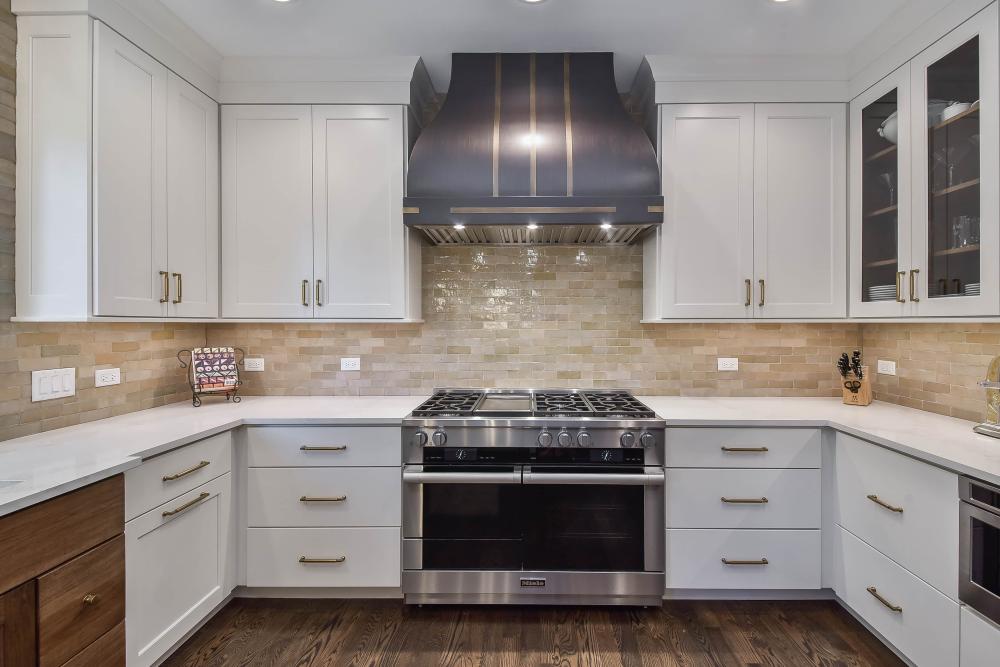
What About Speed Ovens?
A speed oven combines cooking modes, often microwave and convection, in one cavity. It may reduce time for suitable recipes, but capacity and performance vary. Use only cookware approved for the selected mode: metal suitable for convection may be unsuitable when microwave energy is active.
2. Save Money with a Wi-Fi Enabled Refrigerator
A connected refrigerator may help organize food, but a higher purchase price does not guarantee lower grocery or energy bills. Compare storage, energy use, serviceability and the features you will actually use.
Wi-Fi models differ considerably. A touchscreen, internal camera or adjustable compartment may be optional or absent.
Inventory tools can help reduce duplicate purchases if the household keeps them updated. They do not establish whether food is safe to eat.
Depending on the exact model and current service support, a display or app may let you:
- Enter use-by reminders and track stored items manually.
- View recipes or use a supported voice assistant.
- Share a shopping list with a compatible phone app.
- Display a household calendar.
- Leave notes on the display.
Some refrigerators illuminate a viewing panel so you can see selected contents without opening the door. This is different from the entire door turning transparent, and any energy benefit depends on actual use.
Check the specification for other functions rather than treating them as standard:
- Adjustment of supported compartment settings from an app.
- An interior-camera view that may help check visible items while shopping.
- Water-filter replacement reminders.
- Remote control of supported ice-maker settings.
Water dispensers, hot-water functions and integrated coffee systems are model-specific features, including on older products. Confirm current availability, cleaning requirements and replacement-filter costs before making one central to the design.
Choose capacity and dependable food storage first. Connected features are worthwhile when they solve a recurring task for your household.
3. Voice Controlled Smart Coffee Maker
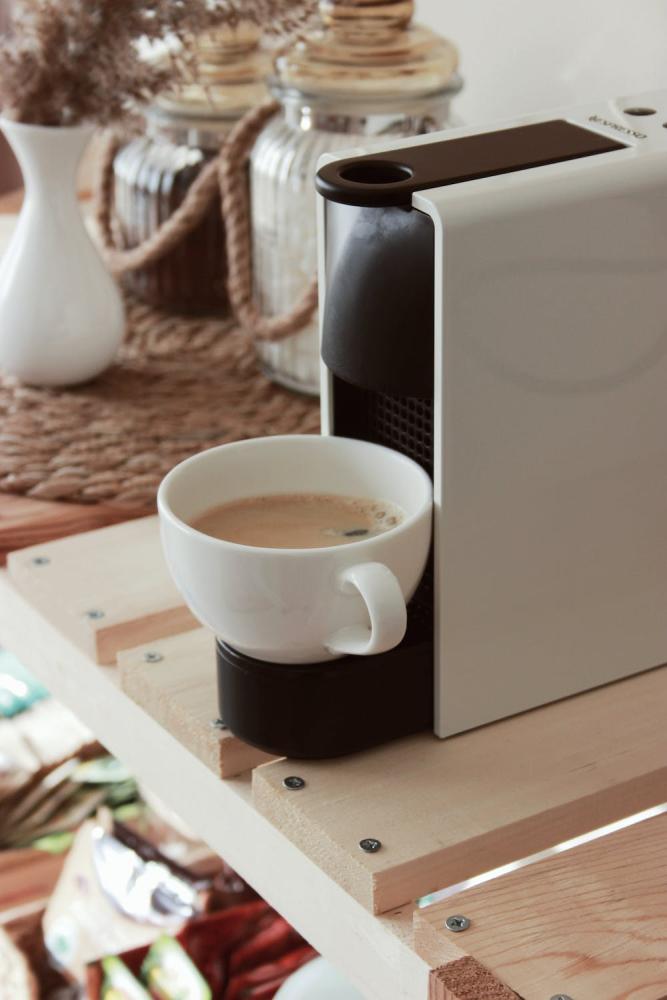
A connected coffee maker can make a familiar routine easier, particularly if you use scheduling or saved recipes.
Voice control depends on the machine and supported assistant. Water, coffee and the correct cup or carafe still need to be in place, and the appliance must be used according to its instructions.
Compare these possible features individually:
- Supported cup sizes and brew quantities.
- Optional app reminders or supply-ordering services.
- Standby settings and documented energy use; connectivity alone does not establish savings.
- The actual drinks the machine can prepare, such as espresso or cold coffee.
A grinder or milk system adds preparation options and also adds cleaning tasks. Check access for rinsing and maintenance.
Try the controls before committing to a connected coffee station. Leave clearance for refilling, steam and opening lids beneath cabinets.
4. Safer and More Efficient Induction Ranges
Induction heats compatible cookware electromagnetically. It can offer responsive control, but induction and Wi-Fi connectivity are separate features. The glass can remain hot from the pan, and cooking still needs ventilation.
Pros of an Induction Range
Potential advantages include:
- Cleaning: a flat surface can be easier to wipe, once cool, using the manufacturer’s approved method. Spills can still burn onto hot areas.
- Response: power changes can be quick, although the pan and food retain heat after the control is reduced.
- No gas flame at the cooking surface: this removes combustion at that appliance. It does not remove burn, pan-fire or cooking-emission risks; use appropriate ventilation.
- Efficient heat transfer to compatible cookware. Compare the exact appliance and cooking task rather than treating one percentage as universal.
- Controls may include timers, pan detection and connected features, depending on the model.
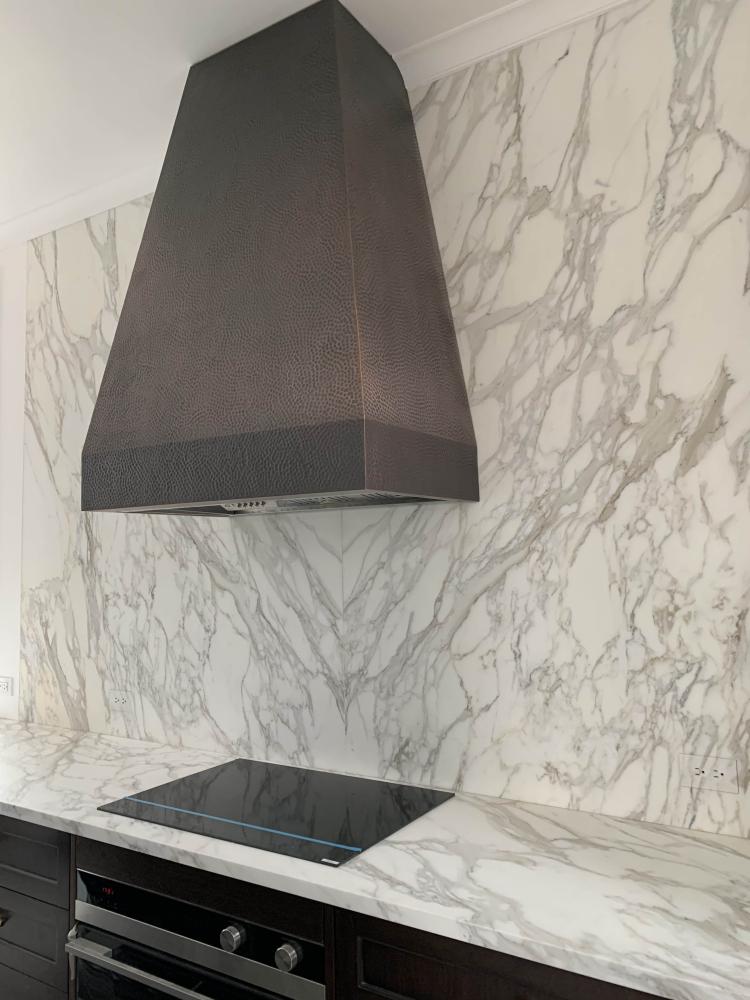
Cons of an Induction Cooktop
Before choosing induction, consider:
- Purchase and installation cost: compare current quotes including any electrical work rather than relying on a fixed premium or a predicted price decline.
- Cookware compatibility: a magnetic base is a useful initial check, but confirm the required base size and flatness in the appliance instructions.
- Technique: fast heating changes how you manage a pan, especially when preheating or cooking with oil.
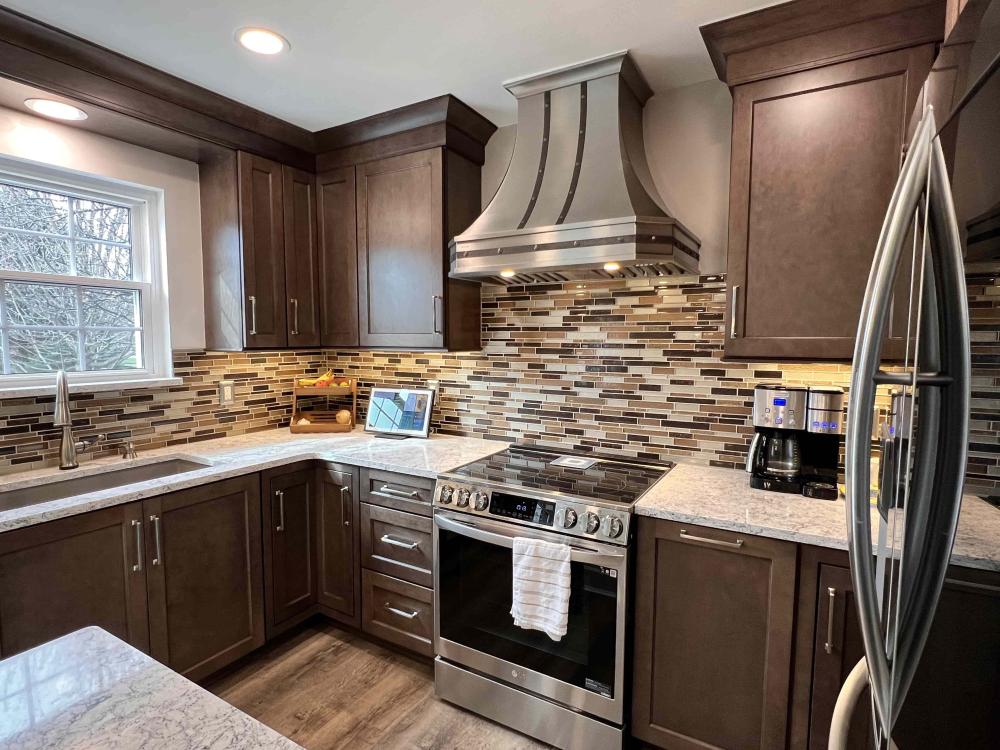
Smart Cooktops
A connected oven does not necessarily provide remote control of the burners above it. Check oven and cooktop functions separately.
Safety restrictions may limit remote starting, even when monitoring or setting transfer is available. For example, Home Connect distinguishes oven remote-start rules from hob operation.
High-power, simmer and bridge functions are cooking features, not necessarily connected ones. Confirm suitable cookware and use the manufacturer’s instructions for a bridged zone.
Compare the controls with your everyday cooking habits. More automation does not remove the need to stay attentive at the cooktop.
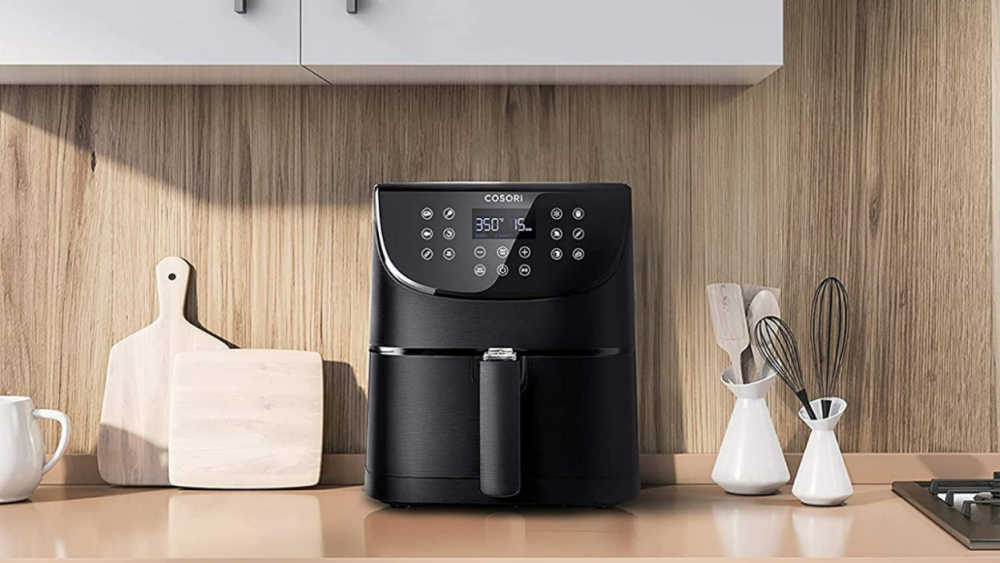
5. Air Fryer Smart Cooking Presets
Air fryers circulate hot air to brown food, often using less added oil than deep frying. They do not make every recipe healthy, and food safety still depends on appropriate cooking.
Presets provide starting settings. Adjust for quantity and food size, and check doneness with an appropriate thermometer when needed. App control does not guarantee a correct result.
Basket and oven-style appliances have different capacities and clearances. Compare the usable cooking area with the portions you prepare.
Combination pressure-cooking and air-frying appliances can reduce the number of separate devices. Their lids, accessories and operating modes differ, so follow the specific model’s instructions.
Use recipes suited to the appliance and keep its vents unobstructed. Leave the required space from walls, cabinets and other equipment.
6. Microwave Oven Scan-to-Cook Technology
Some connected microwaves offer barcode-based cooking guidance. Its usefulness depends on the supported appliance, app and food database.
How Scan-to-Cook Works
Scan-to-cook reads a supported packaged-food barcode through an app and retrieves instructions for that product.
Check the packaging and retrieved instructions before starting. Unsupported products, changed packaging and your own recipes still need manual settings; stirring, standing time and temperature checks remain important.
Other Smart Microwave Features
Other features may include app notifications, voice control or saved programs. A drop-down door is a physical design choice, not evidence of connectivity.
Check which of these functions the selected model actually includes:
- LED touchscreen cooking controls
- Control through your phone with presets and app-based commands
- Ability to download recipes
- Customized cooking functions
- Cooking guidance
- Additional heating features like a built-in air fryer
Choose the cavity size, controls and door access first, then evaluate whether the connected functions improve your routine.
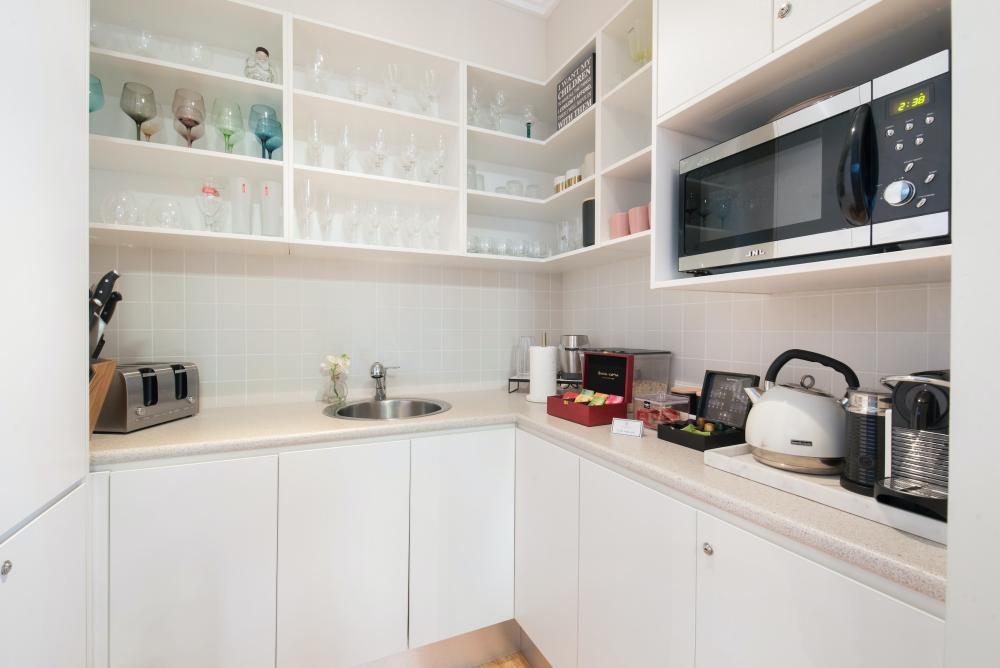
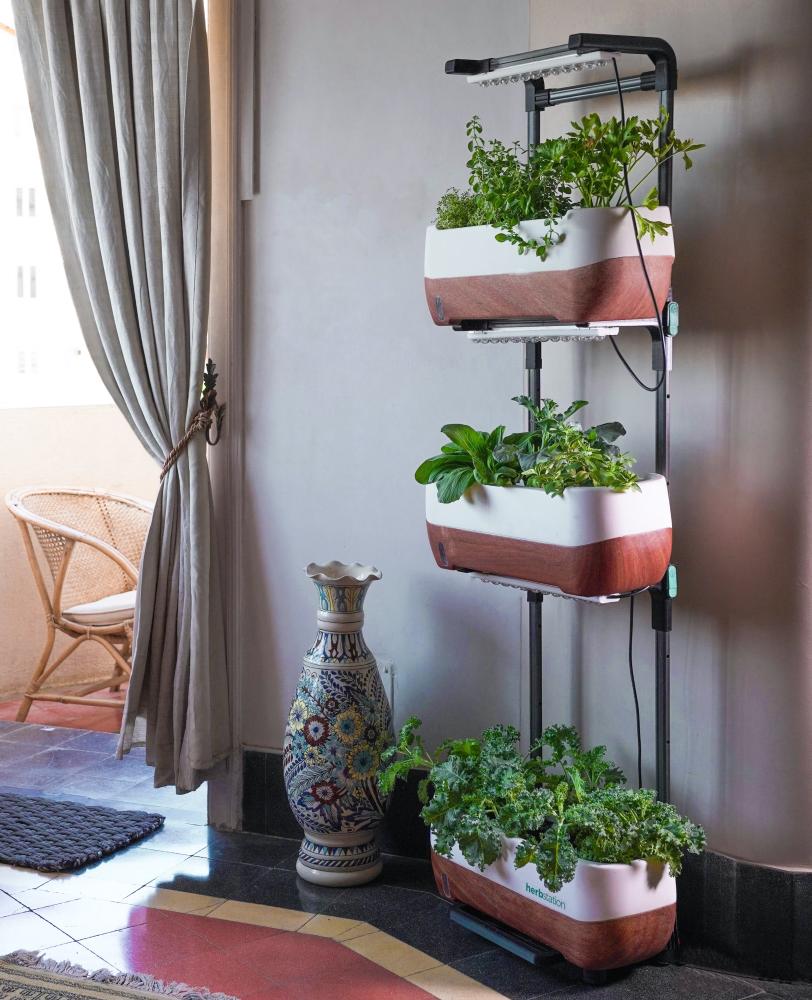
7. Indoor Garden
An indoor growing unit can provide herbs near the kitchen. The degree of automation varies from a simple lamp timer to a connected watering system.
Do not assume a unit controls room temperature or humidity. Check separately for light timing, water delivery, nutrient reminders and any environmental sensors.
Grow lights support plants when correctly positioned and timed. Follow the unit’s guidance for plant spacing, water and nutrients.
Reminders can help with maintenance, but inspect plants and the reservoir directly rather than relying only on notifications.
Choose a unit with adequate growing height and a location away from cooking heat. Yield depends on plant variety, care and conditions; automation does not guarantee faster growth.
8. All-in-One Appliance
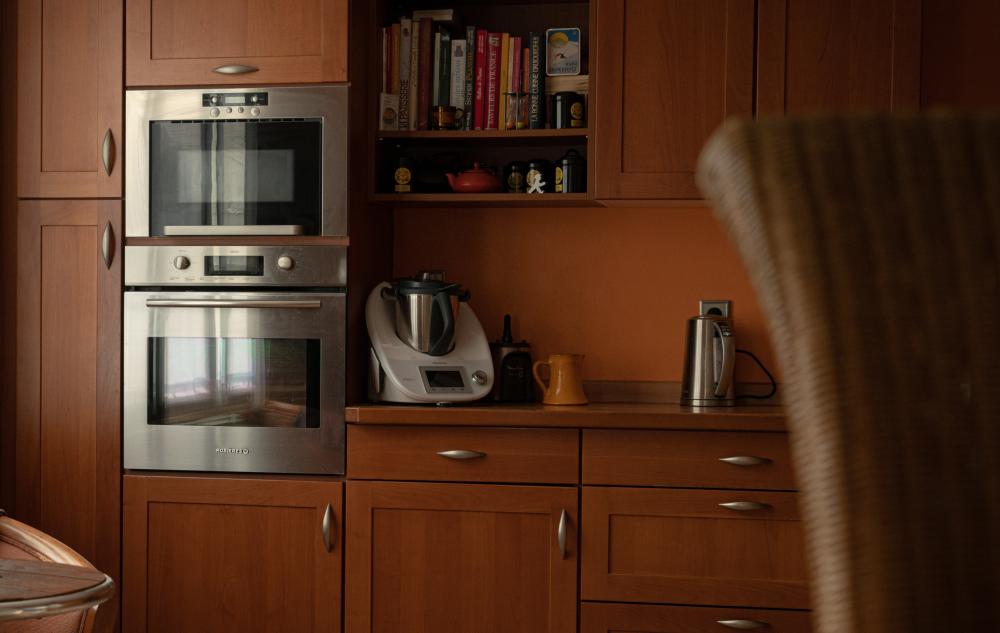
A multifunction countertop appliance combines tasks such as weighing, mixing and controlled heating. The Thermomix TM6 is one example discussed in this guide, rather than a claim that it is the newest model.
The TM6 provides modes including blending, slow cooking and fermentation. Some higher-temperature functions are tied to guided recipes and specified ingredients. Follow the operating limits for the exact model and accessory.
Connected recipe guidance can simplify a sequence of tasks, but access and subscriptions differ from the appliance’s built-in modes. Confirm current recipe-service terms and support before purchase.
Compare bowl capacity, cleaning and the tasks it cannot replace. One appliance is useful when its workflow fits your recipes, not because it promises to do everything.
9. Smart Scale
A connected scale may record weights in a recipe or nutrition app. A conventional digital scale may be sufficient if you only need accurate ingredient measurement.
Resolution is not the same as accuracy. Compare the rated capacity, minimum increment and calibration requirements of the scale itself.
Weighing ingredients can improve repeatability in baking. Tare the container and use the recipe’s specified units.
Nutrition estimates depend on the selected food entry and portion weight. They are not a direct analysis of the food on the scale.

10. Load Sensing Dishwasher
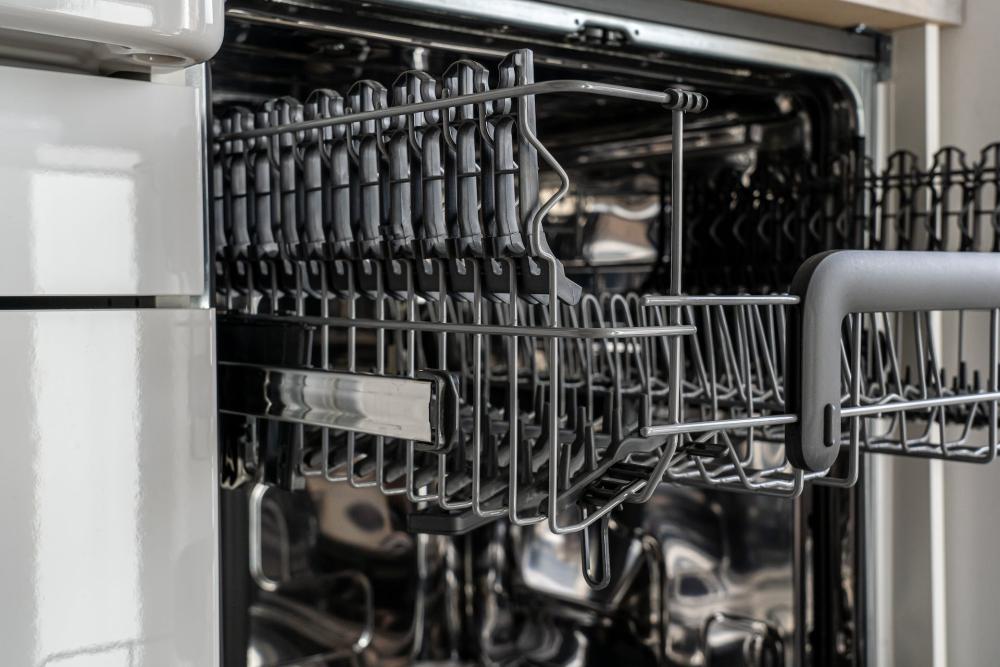
Dishwashers already automate a routine task. Connected functions can add cycle status and maintenance reminders.
App or assistant support varies. Soil sensing is also available on some non-connected models, so compare it separately from Wi-Fi.
Sensors can adjust parts of a cycle based on detected conditions. Actual water and energy use depend on the selected cycle, load and model; sensing does not guarantee the lowest use every time.
Other functions to compare include:
- Supported Wi-Fi and home-platform connections.
- Cycle monitoring and, where permitted, remote starting after required local activation.
- A control lock, if specified; do not assume the door can be physically locked or unlocked remotely.
- Voice commands through a currently supported assistant.
- Maintenance, supply or fault notifications, where available.
- Programs suitable for the items you wash.
- Scheduling around your actual electricity tariff. Off-peak operation only saves money when the tariff and settings support it.
The Smart Kitchen: The Future of Appliances
A useful smart kitchen starts with a few recurring needs: monitoring a cycle, sharing a shopping list or simplifying recipe preparation. Compare those needs with the controls and support available on the exact appliance.
Before ordering, confirm dimensions, electrical and plumbing requirements, network compatibility, service terms and operation without internet access. Efficiency depends on the product and how it is used, not simply on whether it is connected.
Home Connect’s remote-start guidance illustrates why activation and safety restrictions must be checked by appliance. Thermomix’s mode guide distinguishes automated tasks and recipe-linked modes; those examples do not establish features for every multifunction cooker.
Connected appliances still need a resolved physical installation. The Classic CX7 hood has a five-sided faceted body and shaped apron. Review its mount and ventilation selection alongside the actual cooking appliance. Compare hood profiles and installation guidance before approving the CAD drawing.
Originally published November 2, 2023. Updated June 9, 2026.


 By submitting, you agree to our Privacy Policy & Terms